

Apps and sign-in
Get the right Strait Dispatch app
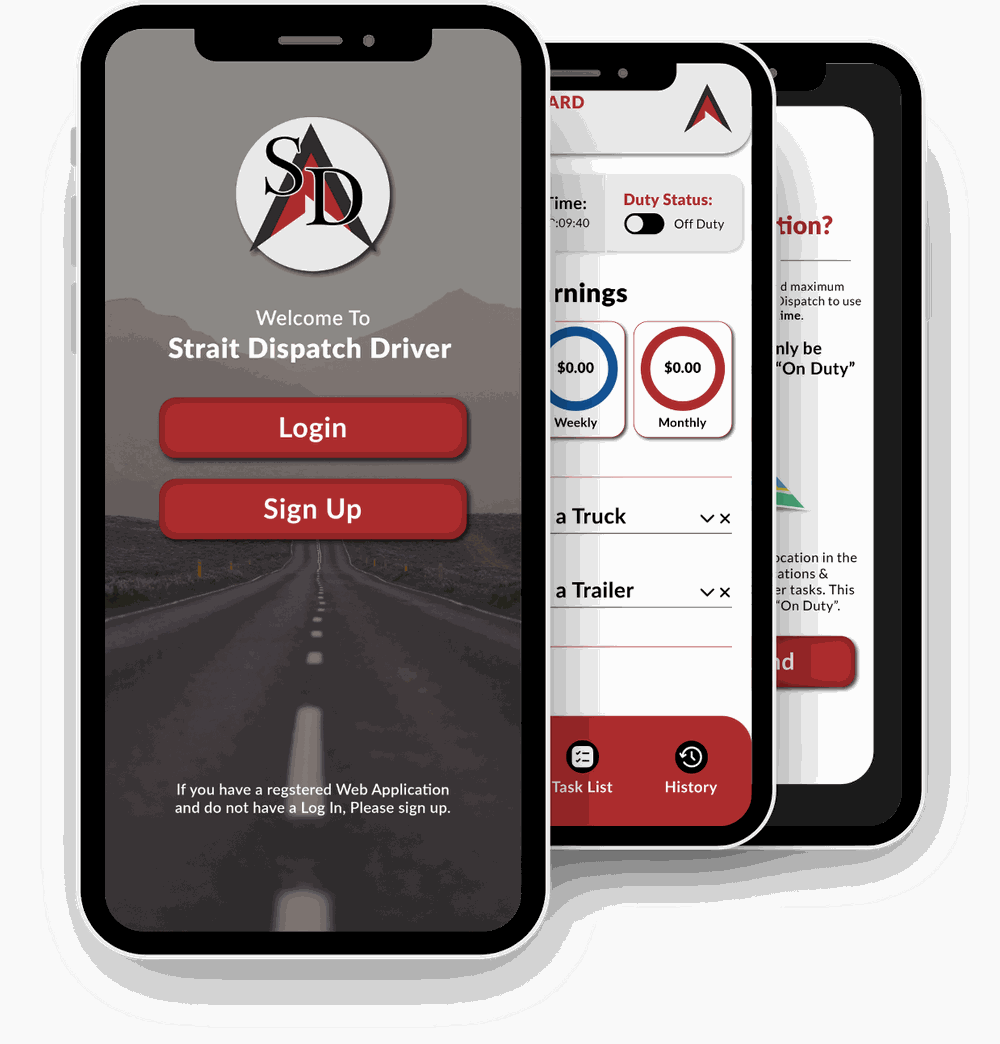
Drivers use the Strait Dispatch Driver app on their phones. Dispatchers and office staff use Fleet Manager in a web browser.
For drivers
Strait Dispatch Driver app
Receive work orders, record digital tickets, photos, and inspections, and update job status. Available for iPhone and Android.


App Store listing · Google Play listing
Before you sign in
- Your fleet gives you your login. Ask your dispatcher if you do not have one.
- Allow location access so dispatch can see where you are while you work. The privacy policy explains what the app collects.
- Forgot your password? Ask your dispatcher to reset it, or contact [email protected].

Scan for the App Store

Scan for Google Play
For dispatchers and office staff
Fleet Manager and other sign-ins
There is no desktop app to install. Office users work in the web dashboard.
Fleet Manager
The web dashboard for dispatchers, billing, and managers. Works in a current desktop browser.
Fleet Manager Login: Fleet ManagerHave a fleet identifier?
If your company gave you a fleet identifier, sign in through the fleet identifier page instead.
Go to fleet identifier sign-in: Have a fleet identifier?Forgot your password?
Reset a Fleet Manager password from the sign-in page.
Reset password: Forgot your password?Need help signing in?
Email [email protected] or call 1 (844) 970-1999 and tell us your fleet name.
Looking at Strait Dispatch for your company? Schedule a demo.